Back to Blog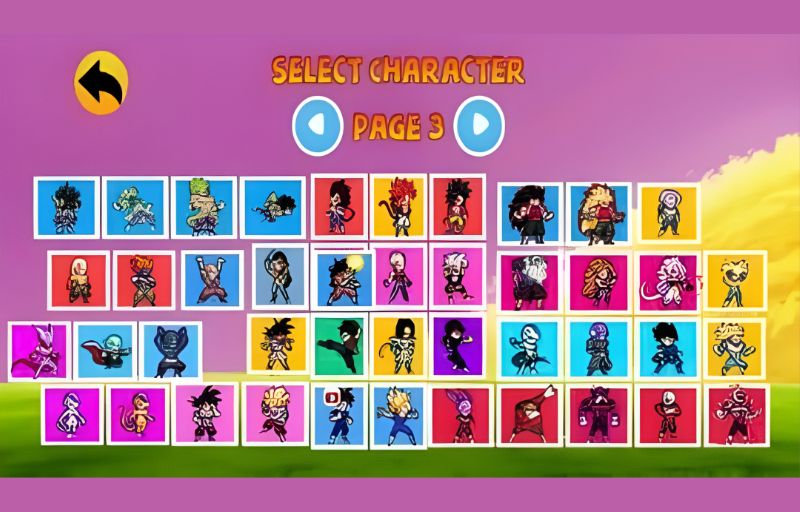
April 20, 2026
How to Install Power Warriors APK on Android
How to Install Power Warriors APK on Android
Installing Power Warriors APK v22.8 on your Android device is straightforward. Follow this step-by-step guide to get started.
Step 1: Download the APK File
Visit the download page on powerwarriors.in and tap the green "Download APK" button. The file is approximately 214 MB, so ensure you have sufficient storage and a stable connection.
Step 2: Enable Unknown Sources
Before installing, you need to allow APK installations:
- Go to Settings → Security (or Privacy)
- Toggle on "Install from Unknown Sources"
- On Android 8+, you may need to grant permission specifically to your browser
Step 3: Locate & Install
- Open your Downloads folder or tap the notification
- Tap the power-warriors-v22.8.apk file
- Tap Install and wait for the process to complete
Step 4: Launch the Game
Open Power Warriors from your app drawer. The first launch may take a moment to load all character assets. Enjoy the battles!
Troubleshooting
- "App not installed" error? Make sure you have enough storage (214 MB + data).
- "Parse error"? Your Android version may be too old. Power Warriors requires Android 5.0+.
- Game crashes? Clear cache: Settings → Apps → Power Warriors → Clear Cache.
Ready to play?
Download Power Warriors v22.8